How to attach a file to google spreadsheet
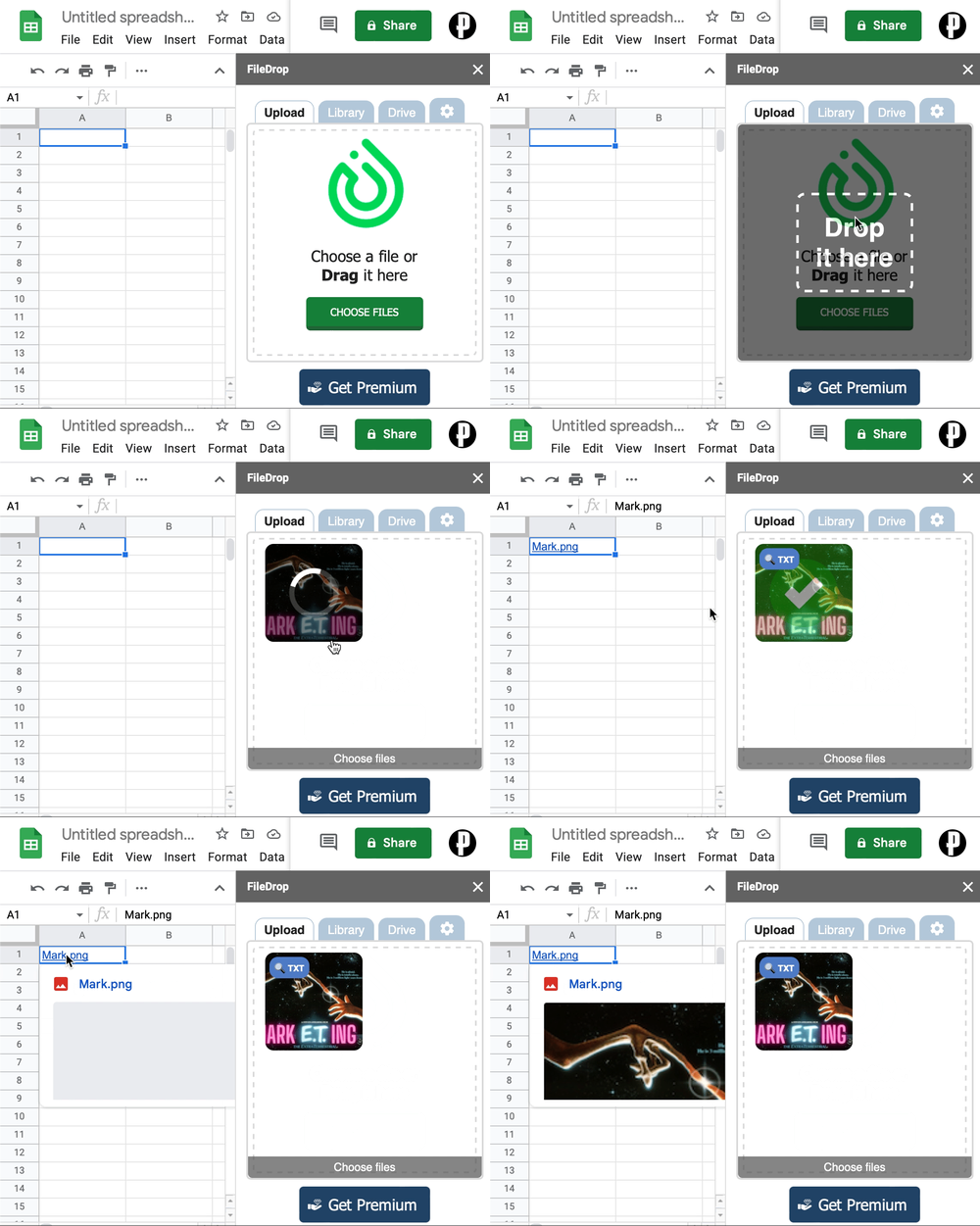
Update 2022: There is a new solution which actually works! FileDrop is a google sheet extension which let’s you…
- choose a file from your computer to upload
- inserts the link to the file into the current cell
In order to use it:
- go to https://getfiledrop.com and click “install addon”
- on the spreadsheet you want to use it click extensions -> FileDrop -> Start FileDrop
- put the focus on the cell you want to add the link
- drag and drop the file into the sidebar
The file will be uploaded into your google drive into a folder “FileDrop” which you can move to any position of your drive tree. If you want to define the upload location then you need to switch to the paid version.
Alternatively you can use dropspread - but I found dropspread harder to use (it has a few UI quirks)
The old solution, for history reasons. I couldn’t get it to work again, if anyone is interested, I think this stackoverflow answer is pointing into the right direction.
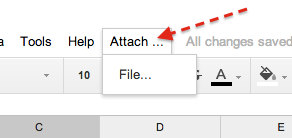
The following setup lets you